
Get that project done!
10 week sprint.

Here’s a movie for people who like to watch movies.
Here’s the movie but as words.
Okay, here’s the system I promised. Will it work? Who knows. It’s easy to use and colorful, so that’s a plus. The only system I ever stuck with is brushing my teeth and I half-ass that a lot.
This one will totally work, I can tell. More on that after I walk you through it.
How to actually do a big, no-deadline project with a 10 week sprint.
Okay, 10 weeks seems infinite, but we’re going to break it down. It’s like the metric system – simple, but still confusing.
It looks like this:
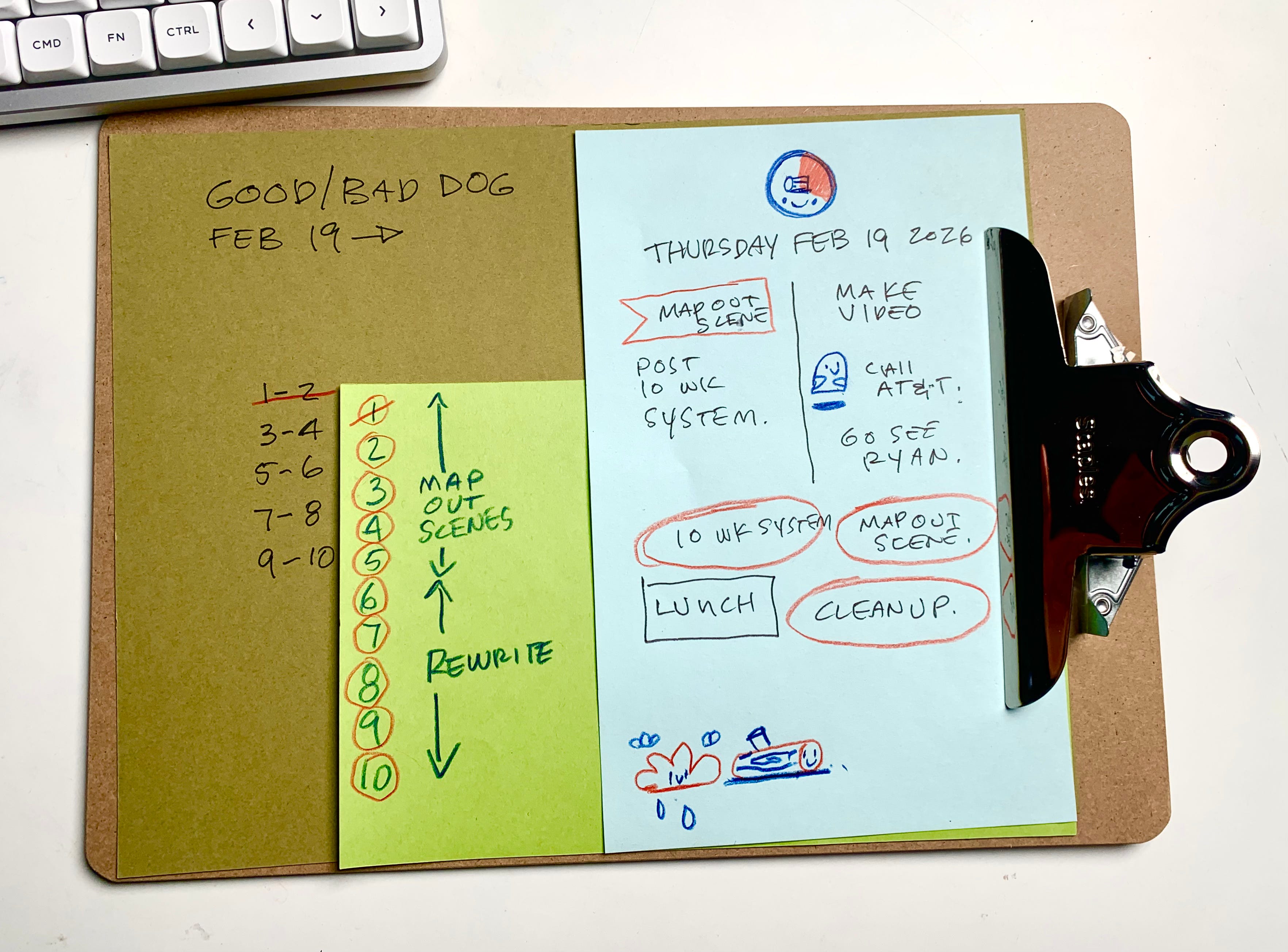
Let’s break it down.
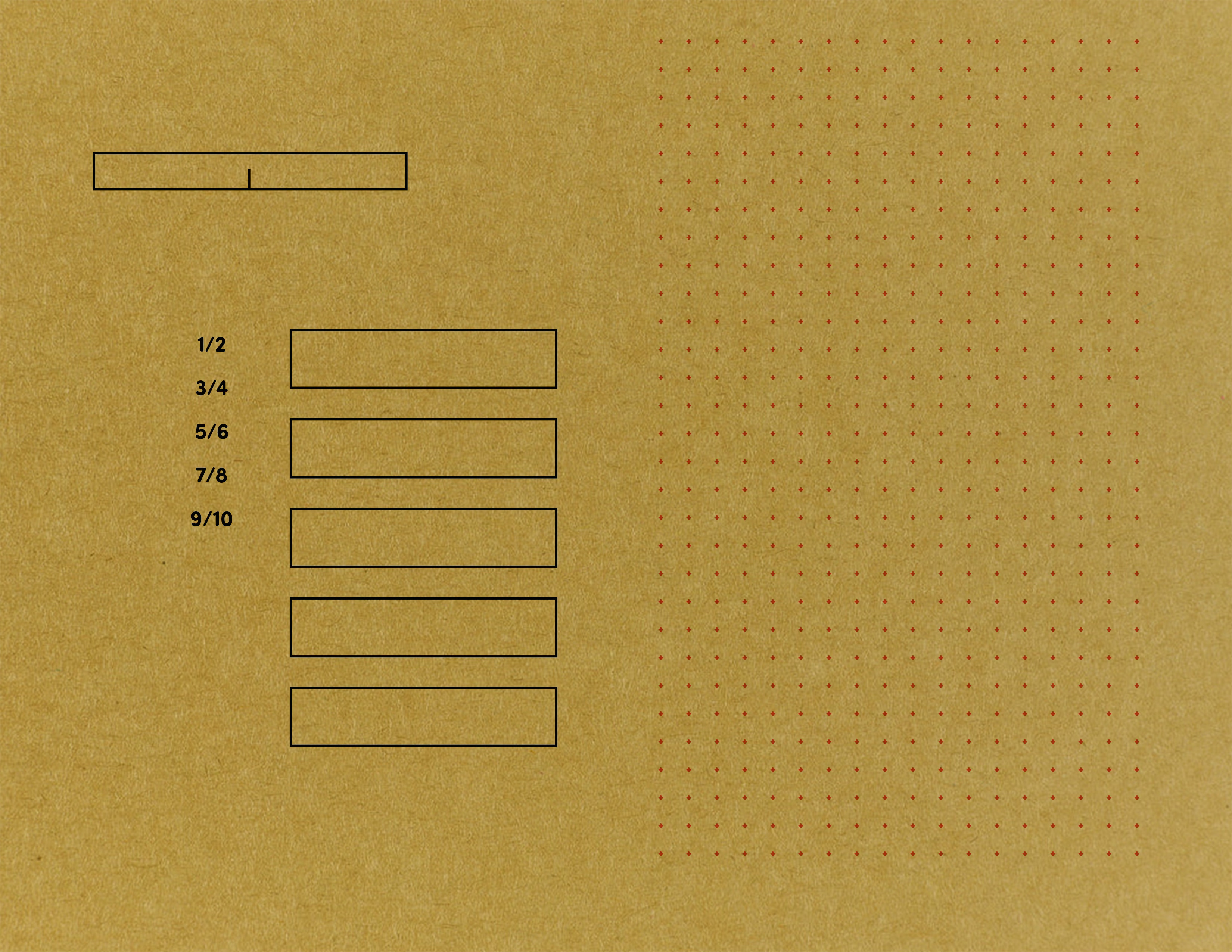
First, capture all the tasks of a project and guess how long each will take.
You will be wrong. This is Time Blobbing 101. That’s okay. It’s a start.
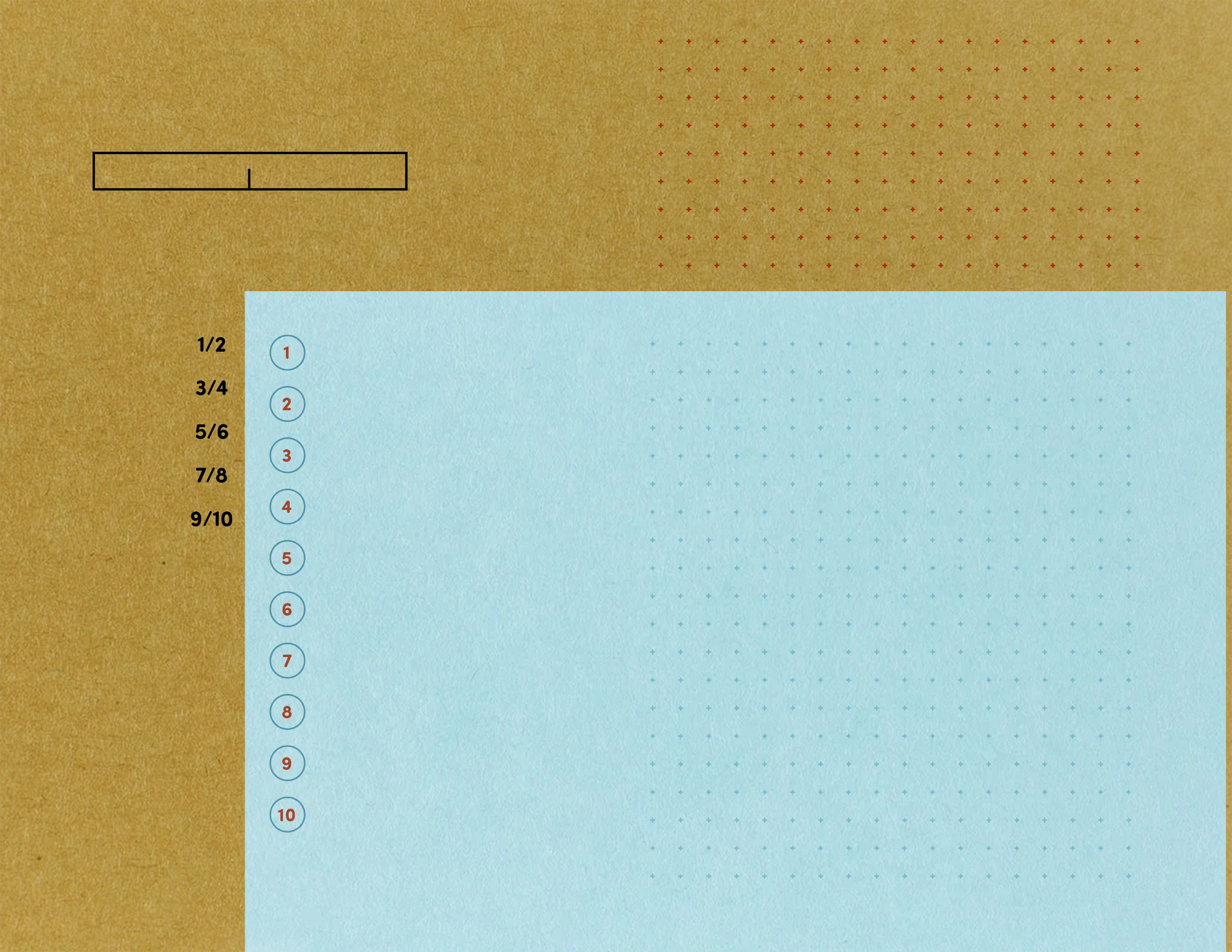
Break the 10 weeks into chunks of two weeks each.
There will be about five or so. Assign tasks to these chunks. See the numbers to the left of the blue? Those are the weeks. The blue paper is a two week period with the numbers representing the days. Now, let’s look at the days.
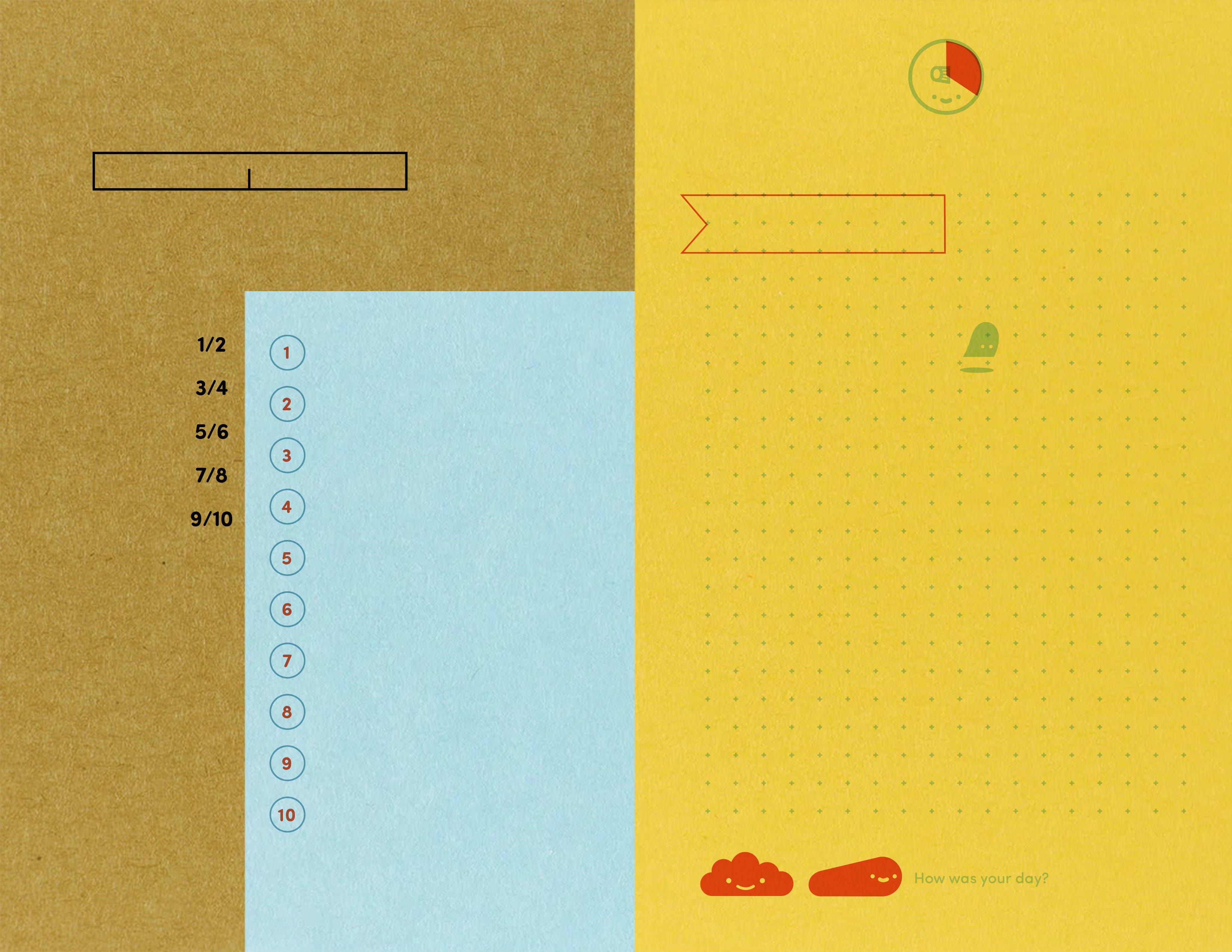
Break the two week blocks into 10 working days.
Break a two week chunk into 10 days. You have other jobs to do, so be realistic. Even if you only work on it for a half hour a day, it’s still progress.
It sure is pretty, did AI make it? What’s with the colors?
No, I am a human graphic designer. I made it.
You’re going to need paper in four different colors. Five if you want to be fancy.

Each color indicates where you are in the timeline.
Blue is the beginning.
Weeks 1-4 of the 10 weeks or days 1-4 of the two week period.
Green is the middle.
Weeks 5-8 of the of the 10 weeks or days 5-8 of the two week period.
Yellow is the end.
Weeks 9-10 of the 10 weeks or days 9-10 of the two week period.
Orange is overtime!
You missed the deadline of tasks for that two week period. The day stays orange until you catch up.
Can you show me some examples?
Sure.
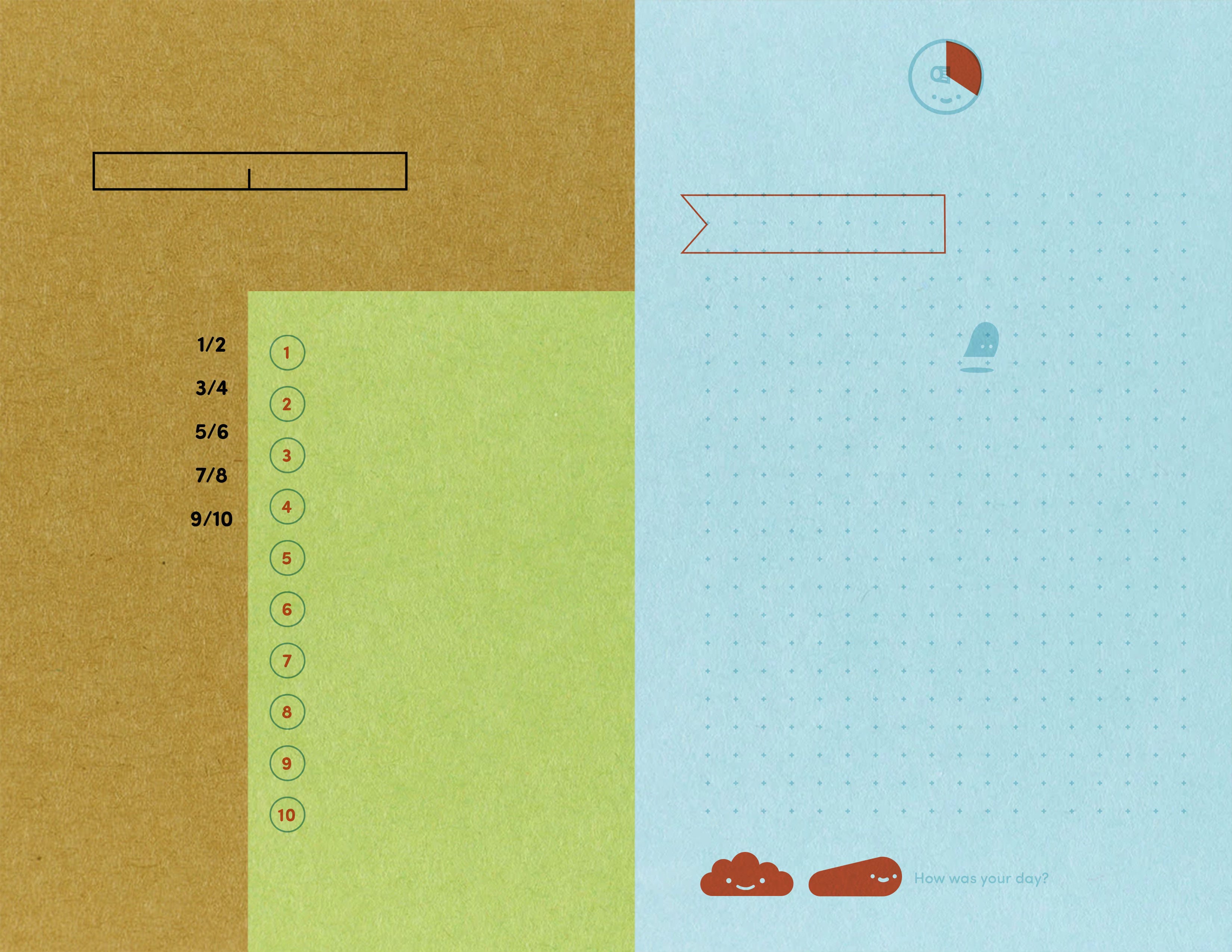
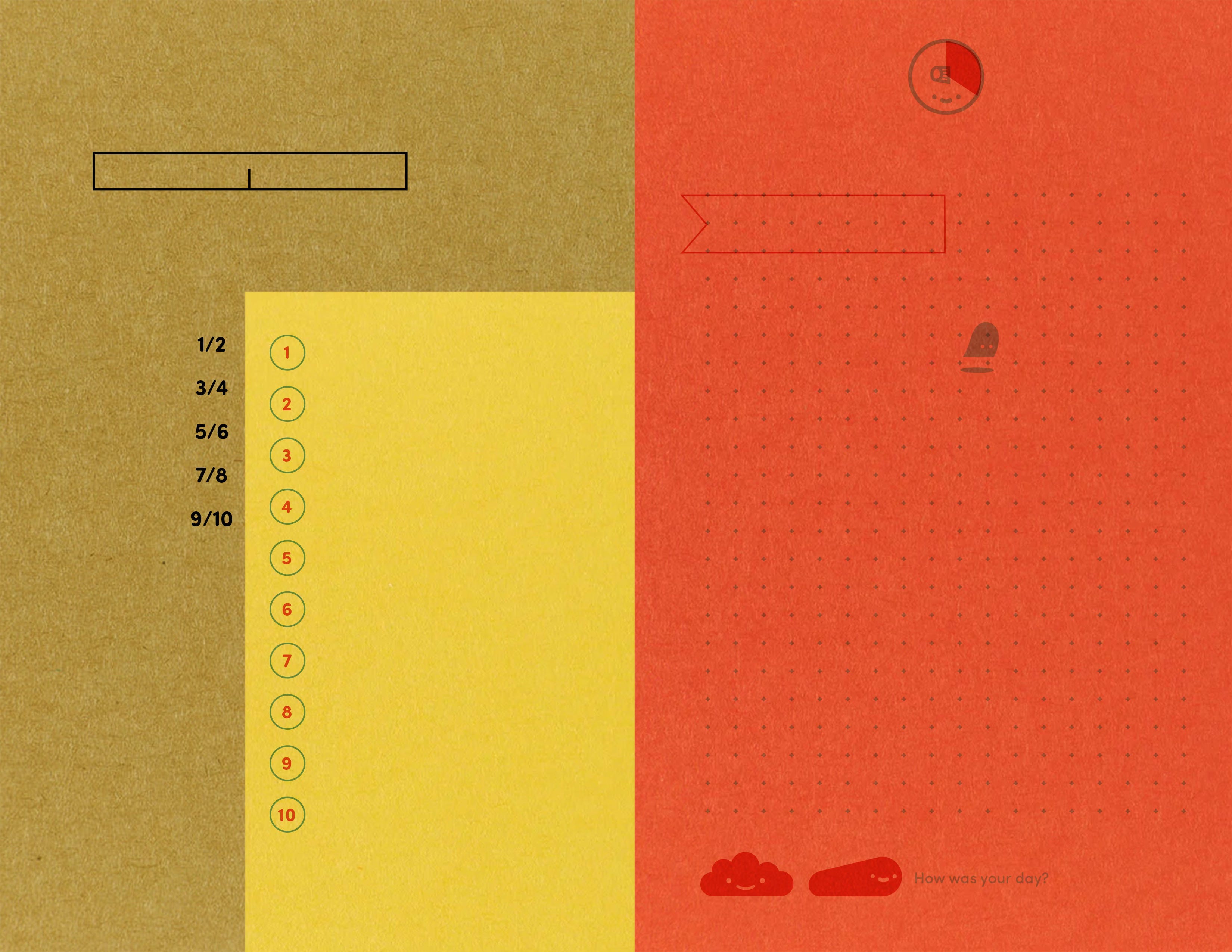
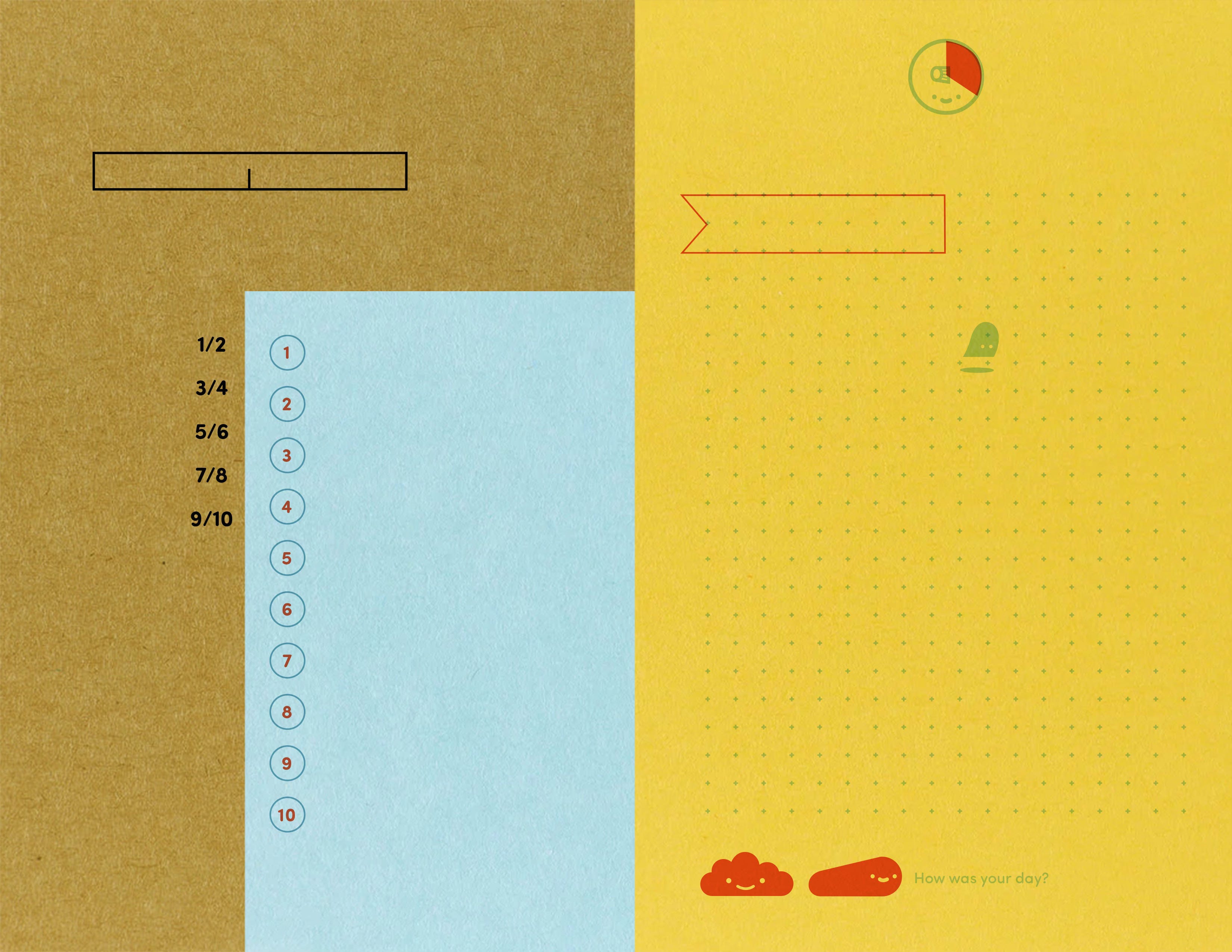
Why is this so genius and revolutionary and you’re a genius?
Thank you for saying that. Let’s see if it works first.
Here’s what I’m hoping it will do:
Awareness of time passing.
Awareness of what to do next.
Awareness of how long things actually take.
Awareness of where I am in the timeline.
Awareness of the project, since it’s in my face everyday.
And consistency. Work a little every day without waiting for some magic block of time.
What about accountability? How does this address accountability, you moron?
Wow, your tone took a turn.
Okay, so I’m going to post my progress over in paid. I’ll also be sharing the pdf with my paid chums. Writing it out on color paper should work too, I was just proud of my cool design. At the end of the ten weeks, or likely 12 with orange days, I should have a dummy to send to my agent. Then I’ll share my many rejection letters.
Paid chums can post their progress on their projects for some shared accountability.
